
This guide covers stackmail login. It is an easy, step-by-step guide to help you get started with your stackmail mailbox.
To be able to login to your staff mailbox, go to www.stackmail.com
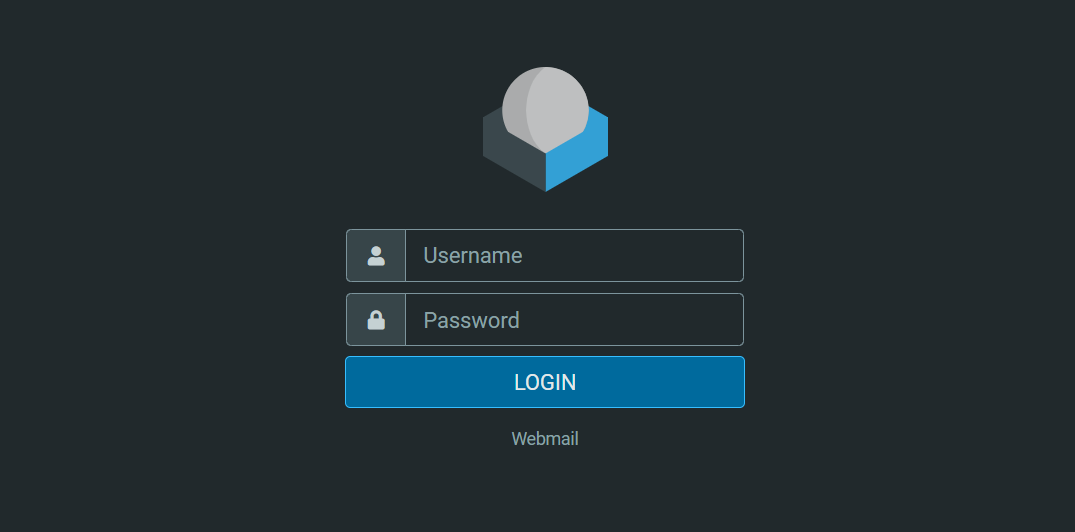
Once on the login screen, enter the following details:
Username: youremailaddress
Password: Your password
Example:
To log into the mailbox with email ID: yourname@websitename.com with the password: Helipad12
Here is how it will be:
Username: yourname@websitename.com
Password: Helipad12
Once you have logged in, you will be able to send and receive emails, and email attachments.
Here is a short video showing you the steps:
If you run into any problems, do not hesitate to get in touch.


0 Comments