
If you are reading this blog post then chances are that you have run into a problem with the Divi Theme menu module.
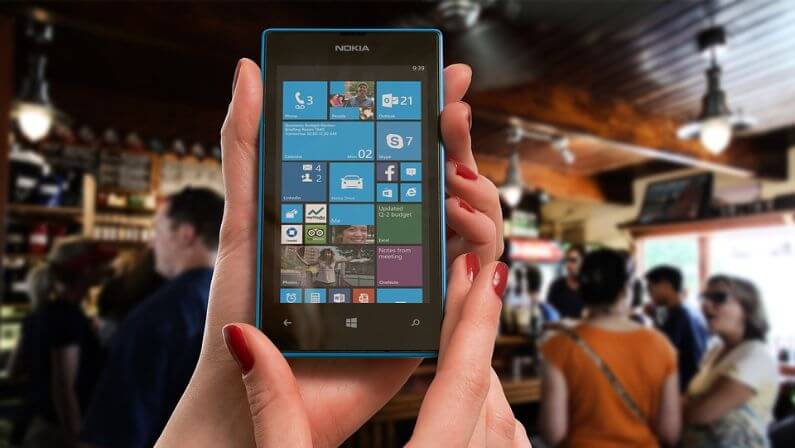
In my latest web design project, the website had a long list of menu items that extended over the mobile screen. The menu couldn’t scroll, and some of the menu items were totally not visible.
This, I would say is a major problem in the Divi menu module, and it is my hope that the team at Elegant Themes fix it in future releases.
So, how do you fix the issue of your mobile menu not being fully visible and not scrollable? Well, here is a simple and quick CSS fix.
.et_mobile_menu {
overflow: scroll !important;
max-height: 84vh; /*edit this to match your view height*/
box-shadow: 0px 0px 30px rgba(0,0,0,0.3) /*just some box shadow for nicer menu*/
}
Click on the “Save Changes” button to save the custom CSS code.
Where to Paste this Code
This CSS code needs to be copied and pasted into Divi theme customizer in Custom CSS section.
In WordPress admin go to Divi -> Theme Options -> General and scroll down to Custom CSS box.
Here is a video showing you where to place the CSS code in Divi.
After applying this fix, the long mobile menu should become scrollable.
I hope that you enjoyed this post. Subscribe to Divi Banks on YouTube and join our newsletter for more crisp content on WordPress and web design.


0 Comments