

According to User Experience professionals, it is preferable to position the labels outside the form fields rather than using inline labels (placeholder text) inside the fields.
To enhance user experience, here is a simple and effective approach to moving the Divi form labels above the fields.
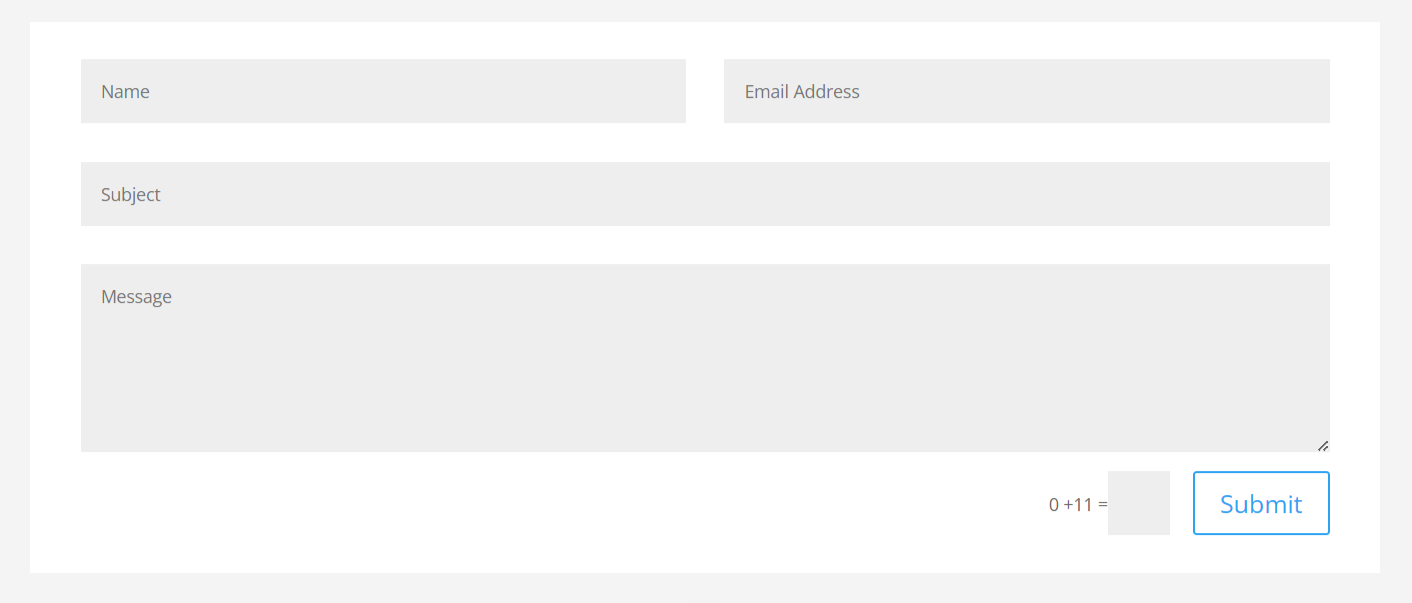
Divi Contact Form Before Moving the Labels
Divi Contact Form After Moving the Labels
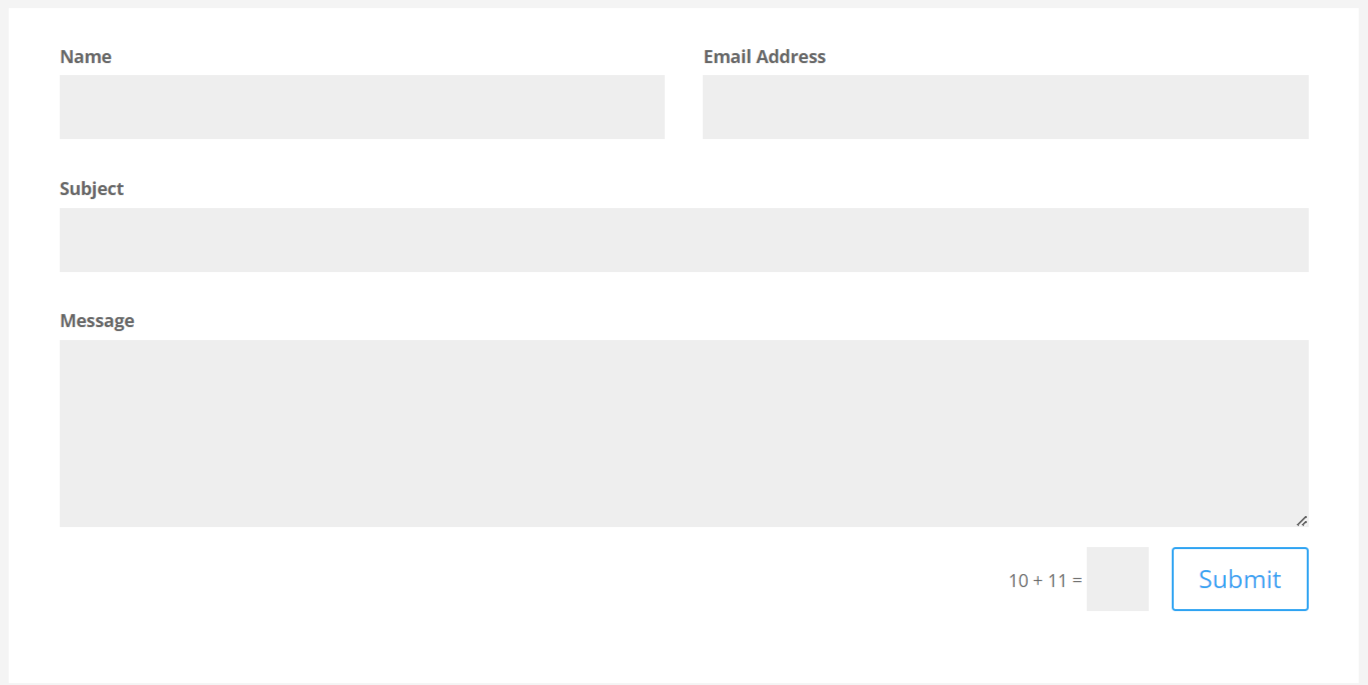
By default, the Divi Contact Form displays the field labels inside of the form fields. This is not the best user experience since the placeholder text disappears when the user starts adding text in the field.
To move the Divi contact form labels above the fields, you can use some custom CSS code. Here are the steps to do it:
- In the WordPress dashboard, go to Divi > Theme Options > Custom CSS.
- Paste the following code in the text area:
/* Display field titles above fields */
.et_pb_contact_form_label {
display: block;
font-weight:bold;
bottom:3px;
}

/* Hide duplicate placeholders */
.et_pb_contact_form_container .input::placeholder {
    opacity:0;
}

/*Hide duplicate titles in radio buttons and checkboxes */
.et_pb_contact_field_options_title {
display:none;
}- Click on the “Save Changes” button to save the custom CSS code.
Pro Tip: How to Add CSS Code Snippets to the Divi Theme
With this custom CSS, the labels will be positioned above the fields in the Divi contact form. You can adjust the margin values to your liking to make the form look better on your website.
That’s all for today!
I hope that you enjoyed this post. Subscribe to Divi Banks on YouTube and join our newsletter for more crisp content on WordPress and web design.


0 Comments