

Do you want to remove header bottom border in Divi? That is the grey line that divides the main header (the part that contains the logo and the primary menu links) and the content part of your Divi website.
In this article, I will explain how to remove header bottom border that separates the menu bar and the content part without messing up your the code or design of your Divi website.
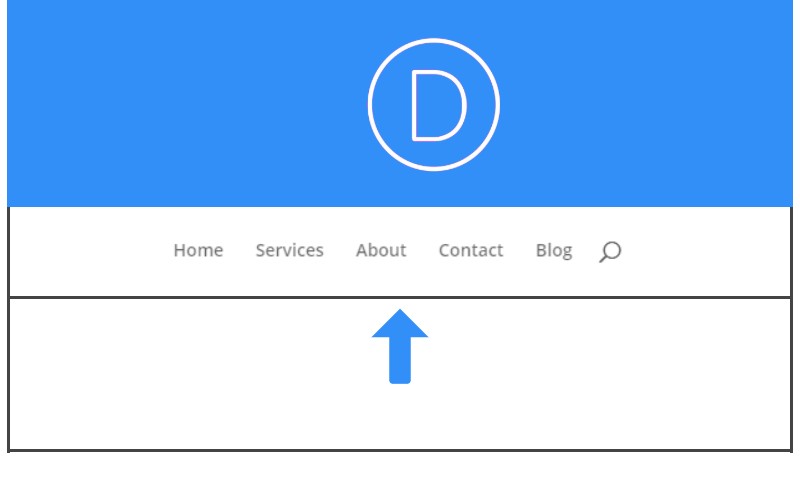
In my case, I was working on one of my websites and I had both the header with a sky blue background and the first section below the header with the same background color.
I didn’t like the gray line below the menu bar, so I had to remove it.
If you need to remove the line, add the custom CSS code below to your Divi Theme Options Custom CSS field.
After logging in to your WordPress dashboard, then go to Divi >>Theme Options>>Custom CSS.
Then paste this code:
#main-header {
box-shadow: none !important;
}
Where to Paste this Code
This CSS code needs to be copied and pasted into Divi theme customizer in Custom CSS section.
I hope that you enjoyed this tutorial. Subscribe to Divi Banks on YouTube and join our newsletter for more crisp content on WordPress and web design.

0 Comments